Creative control
Keep characters consistent
Use a reference to explore new poses, outfits and settings while guiding the details that matter.
Try the editor →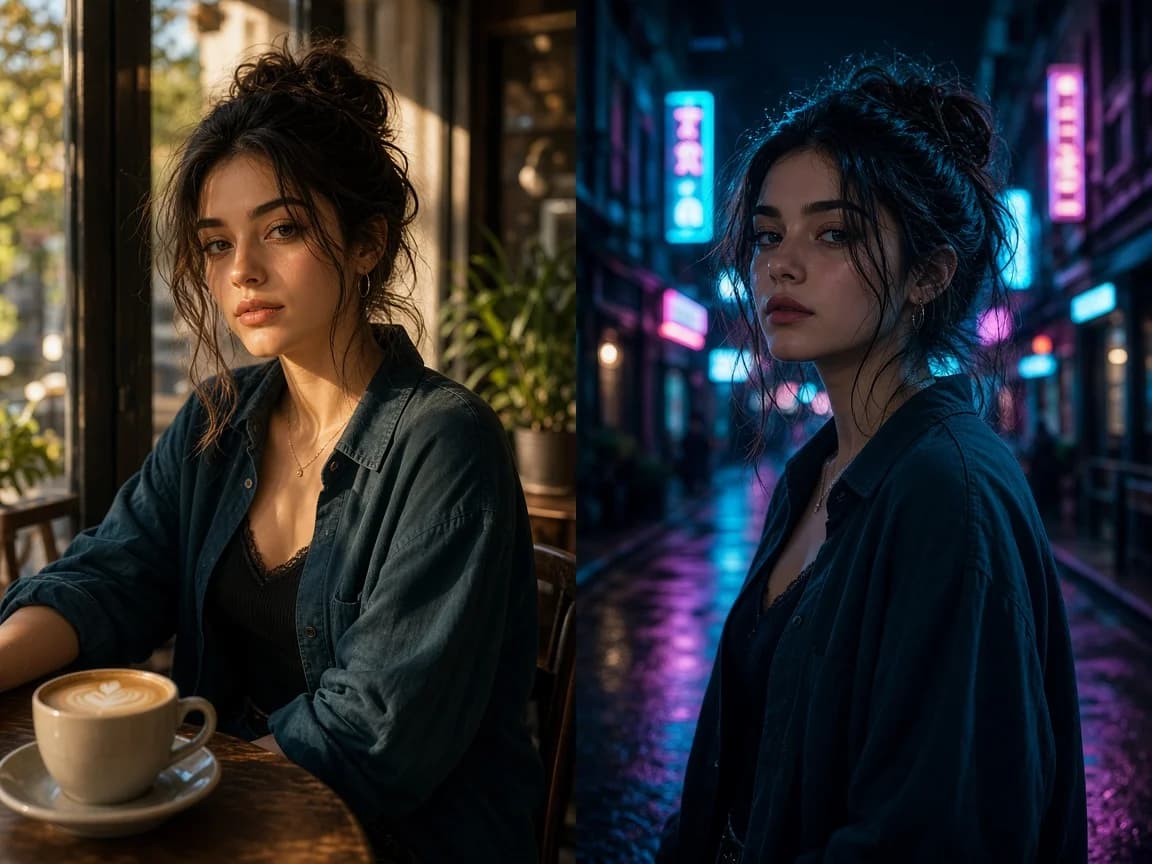
Nano Banana 3
Edit images with a prompt, combine reference photos, and explore up to 4K with your choice of AI model.
Resolution
Aspect ratio
Creative control
Use a reference to explore new poses, outfits and settings while guiding the details that matter.
Try the editor →Creative control
Give a product a new setting and lighting with a prompt, then refine the result for your project.
Try the editor →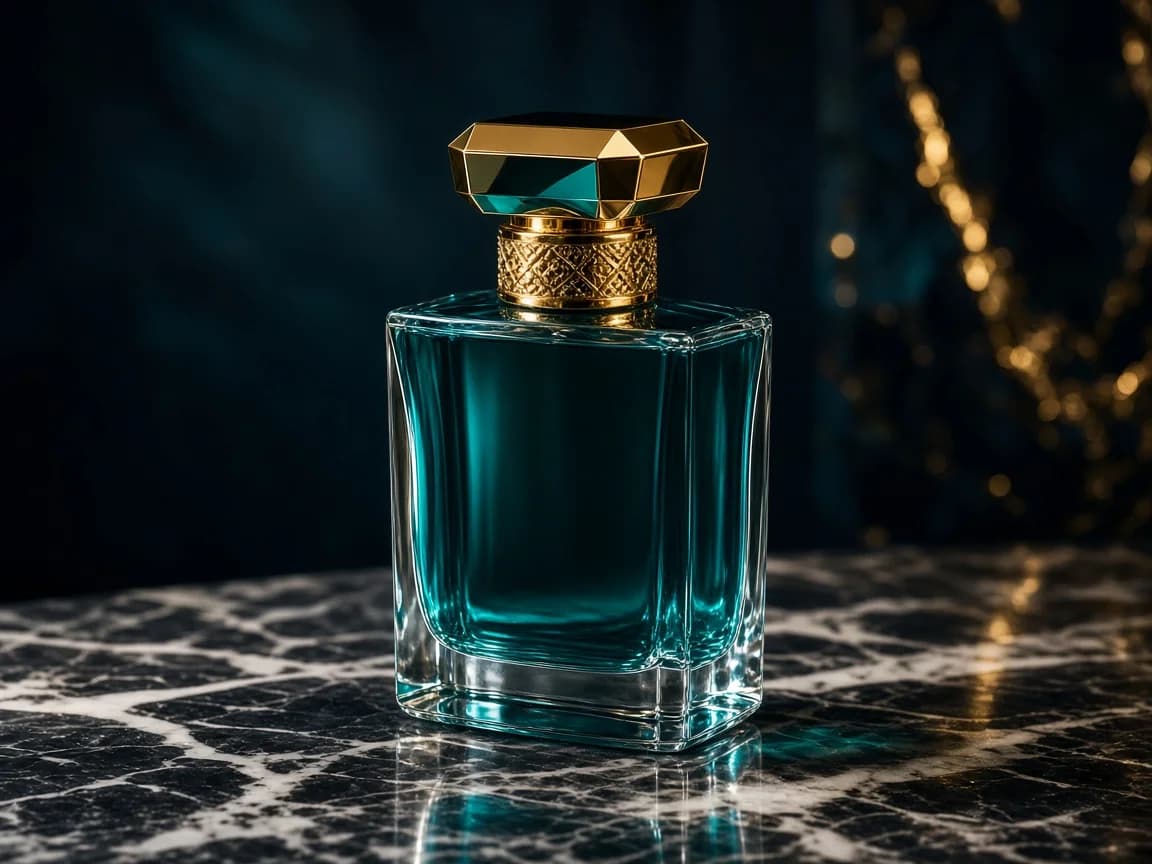
Creative control
Describe changes to labels and details in an image. Review the output carefully for accuracy.
Try the editor →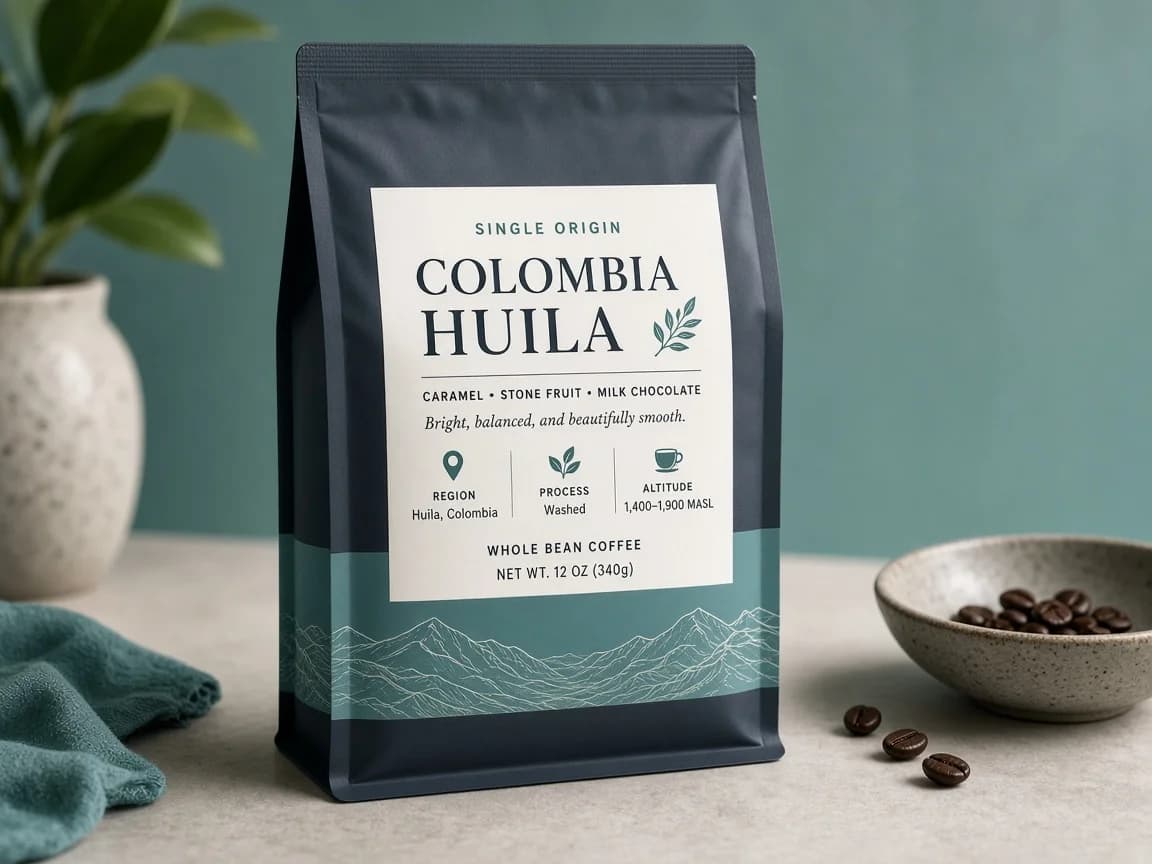
Creative control
Use a reference image to guide colors, textures and artistic direction.
Try the editor →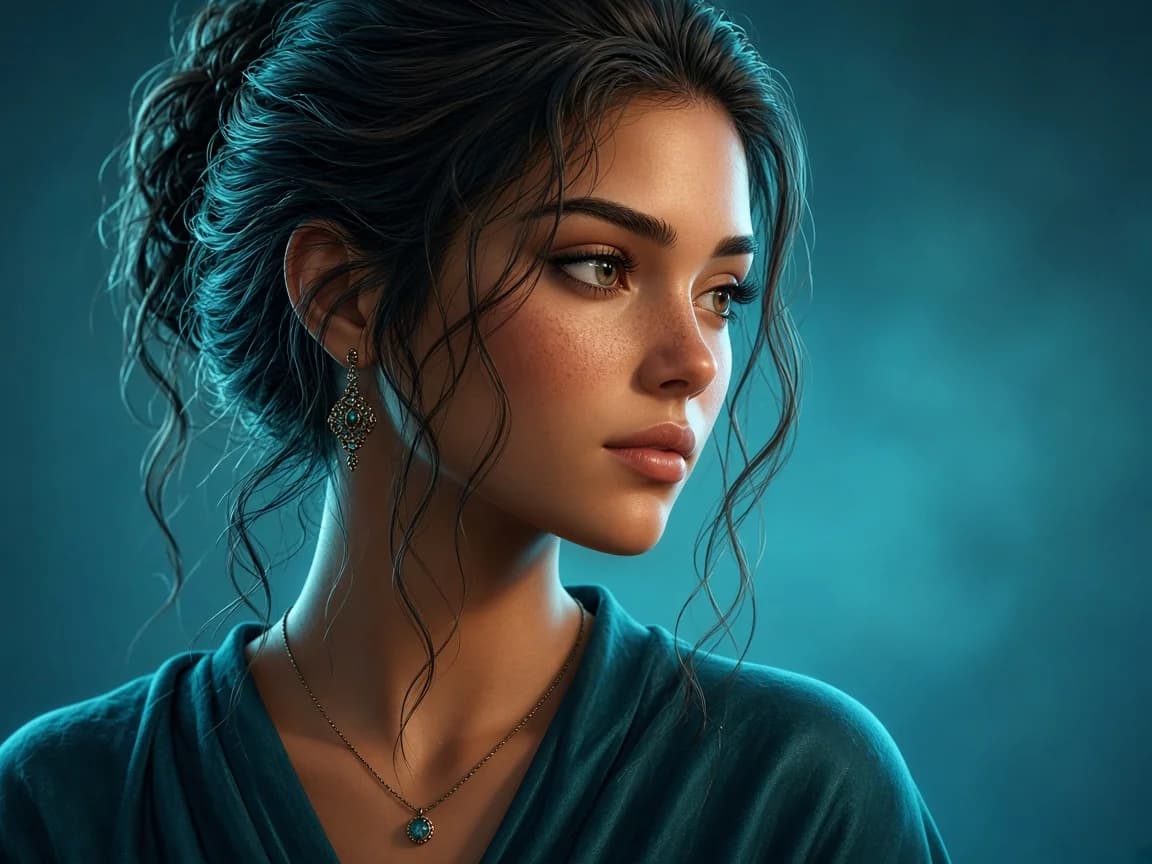
Creative control
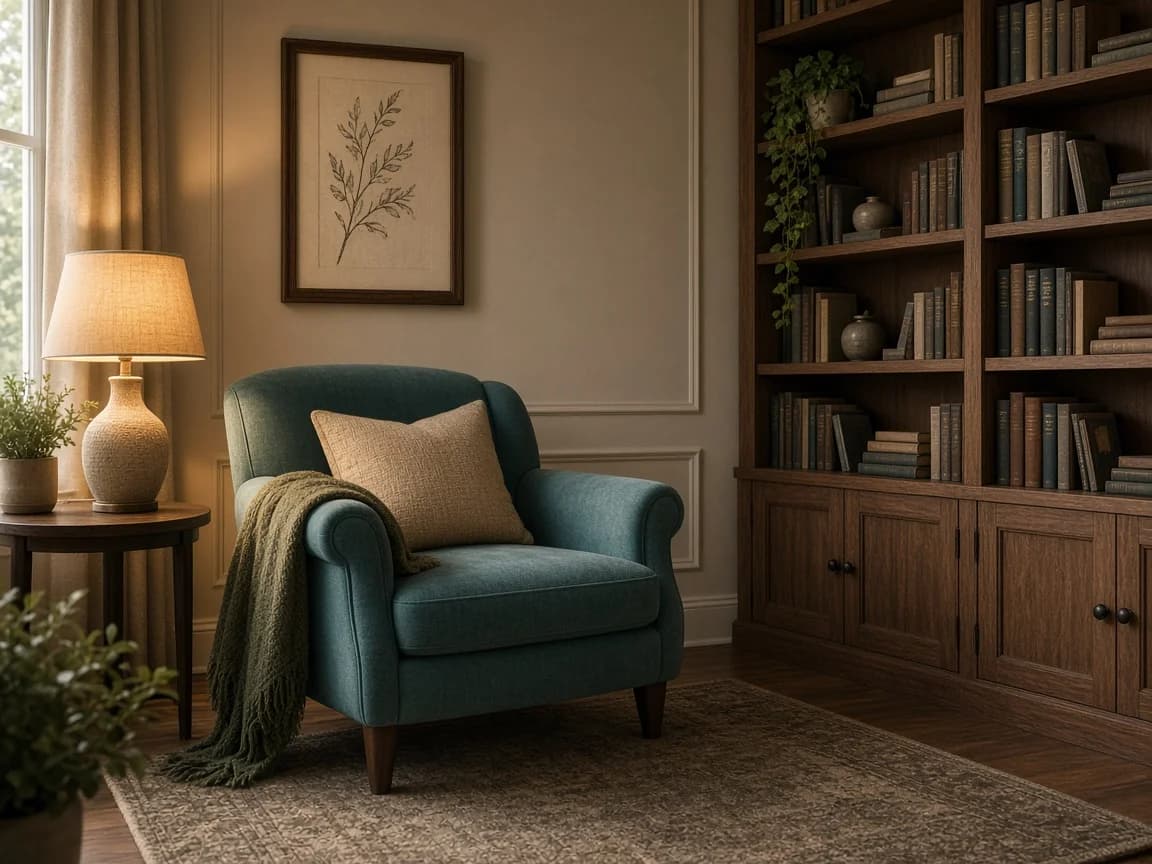
Explore furniture, lighting and backgrounds using your original image as a starting point.
Try the editor →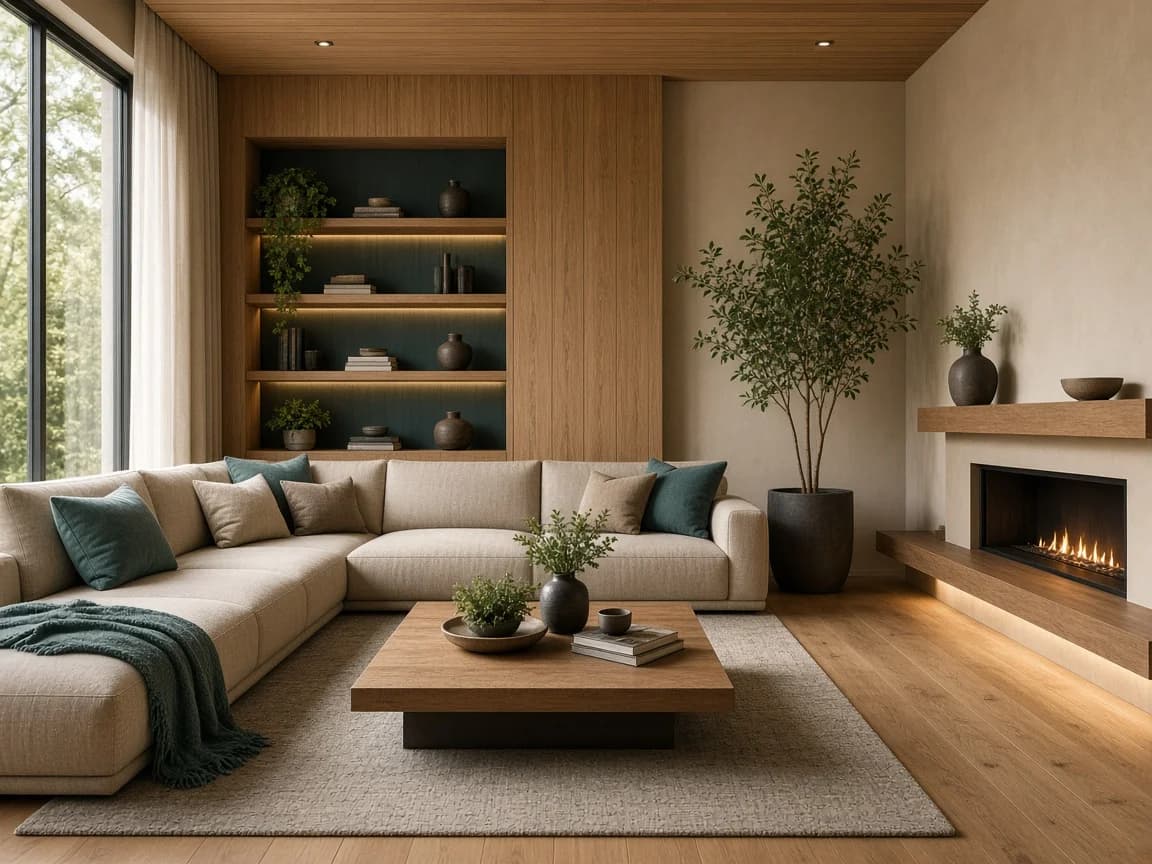
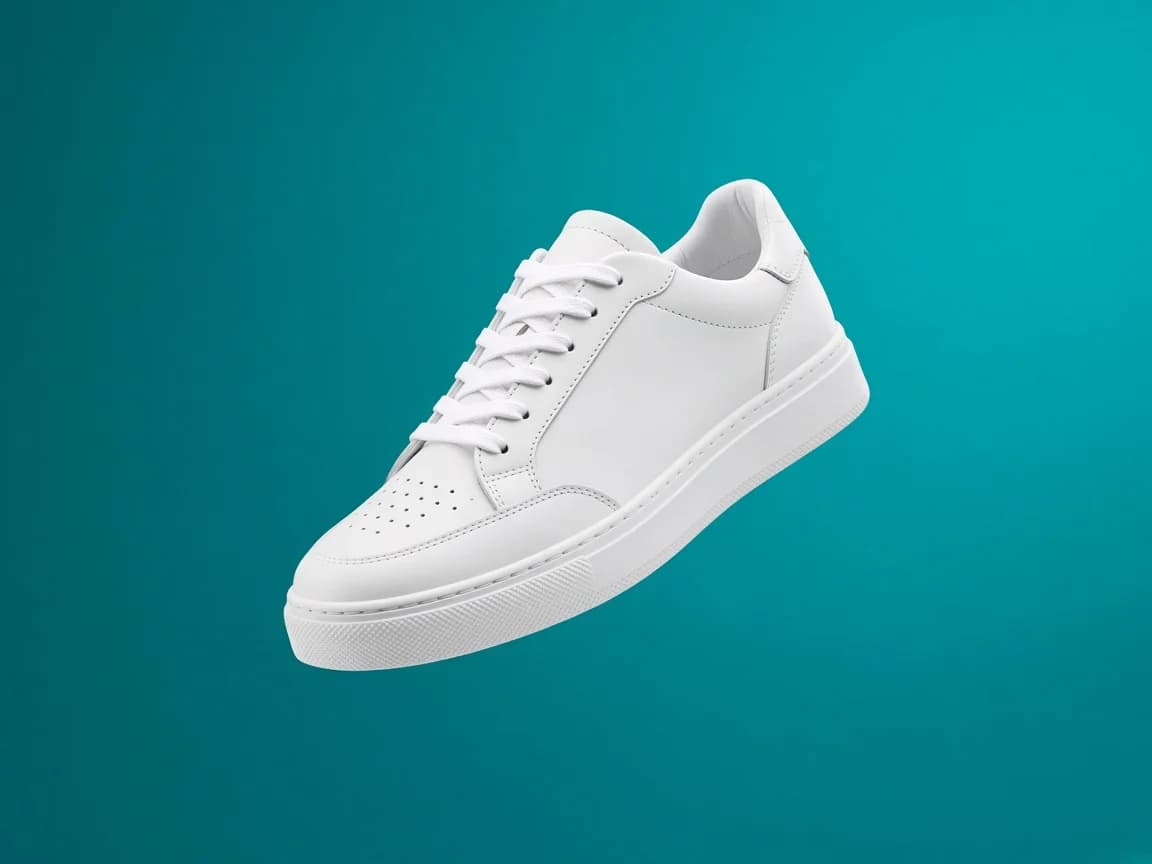
Explore new backgrounds and styling for product photos.
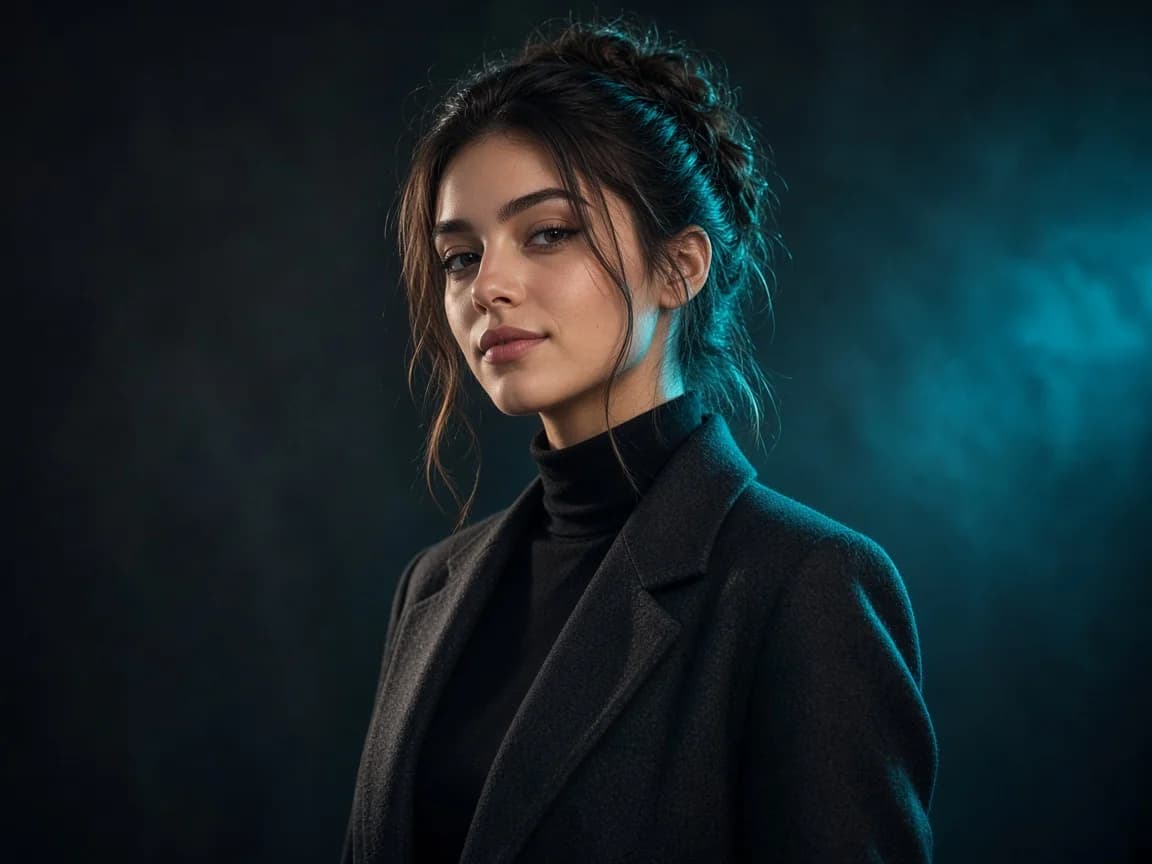
Turn a portrait into a visual for your next post or campaign.
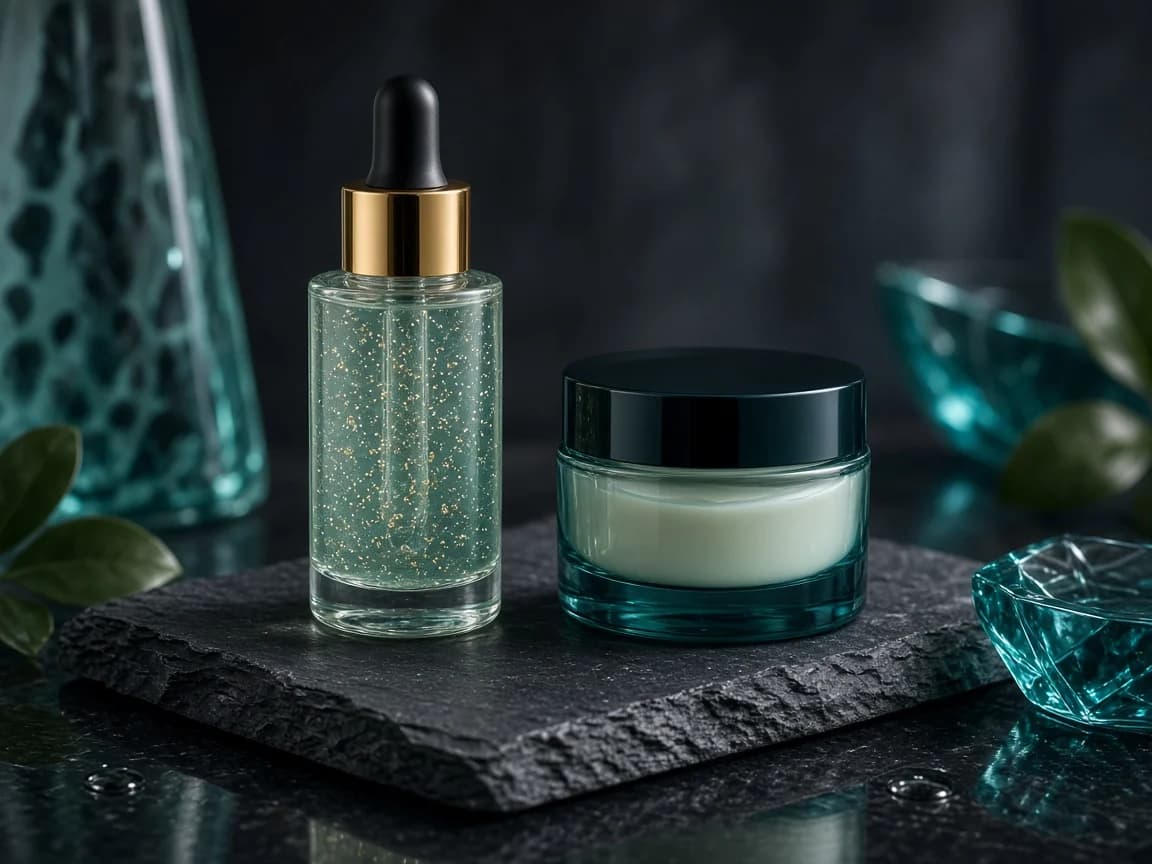
Develop campaign concepts from existing product photography.
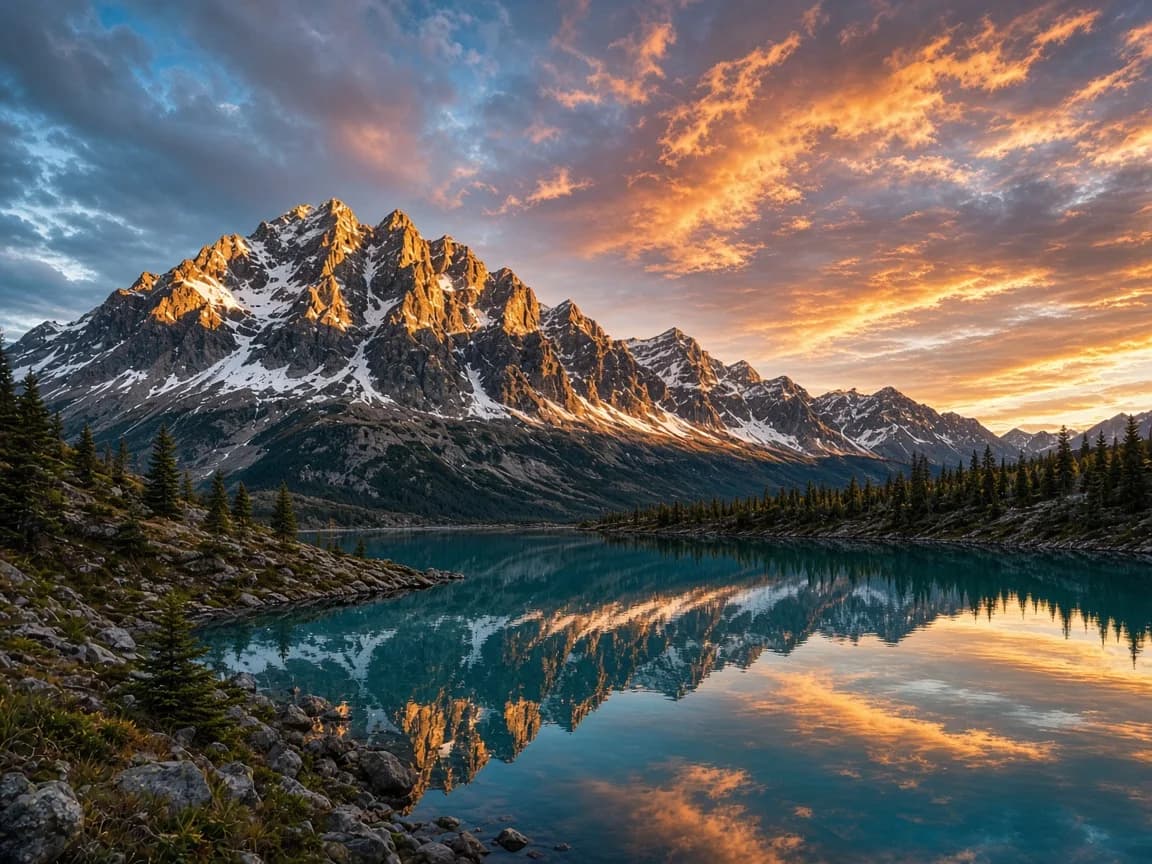
Try a different mood or light in a favorite landscape.
Switch between Nano Banana 3, Nano Banana Pro, GPT Image 2.5 Flare and Seedream 5.0 Pro while keeping your prompt and reference images.
Combine reference images to guide your edit, from a subject to its setting.
Describe what to keep and what to change. Results depend on the model and your prompt.
Choose 1K, 2K or 4K with supported models. Resolution and credits vary by model.
Upload a photo, describe your idea and generate a new image. Processing time varies.
Find your generated images in your account history and download the results.
Simple workflow
Pick the model that fits your creative task.
Add your reference image to the editor.
Explain what you want to change and what to keep.
Review your result, refine the prompt and download your image.
Testimonials
FAQ